Log into Partner Reporting Portal Cluster
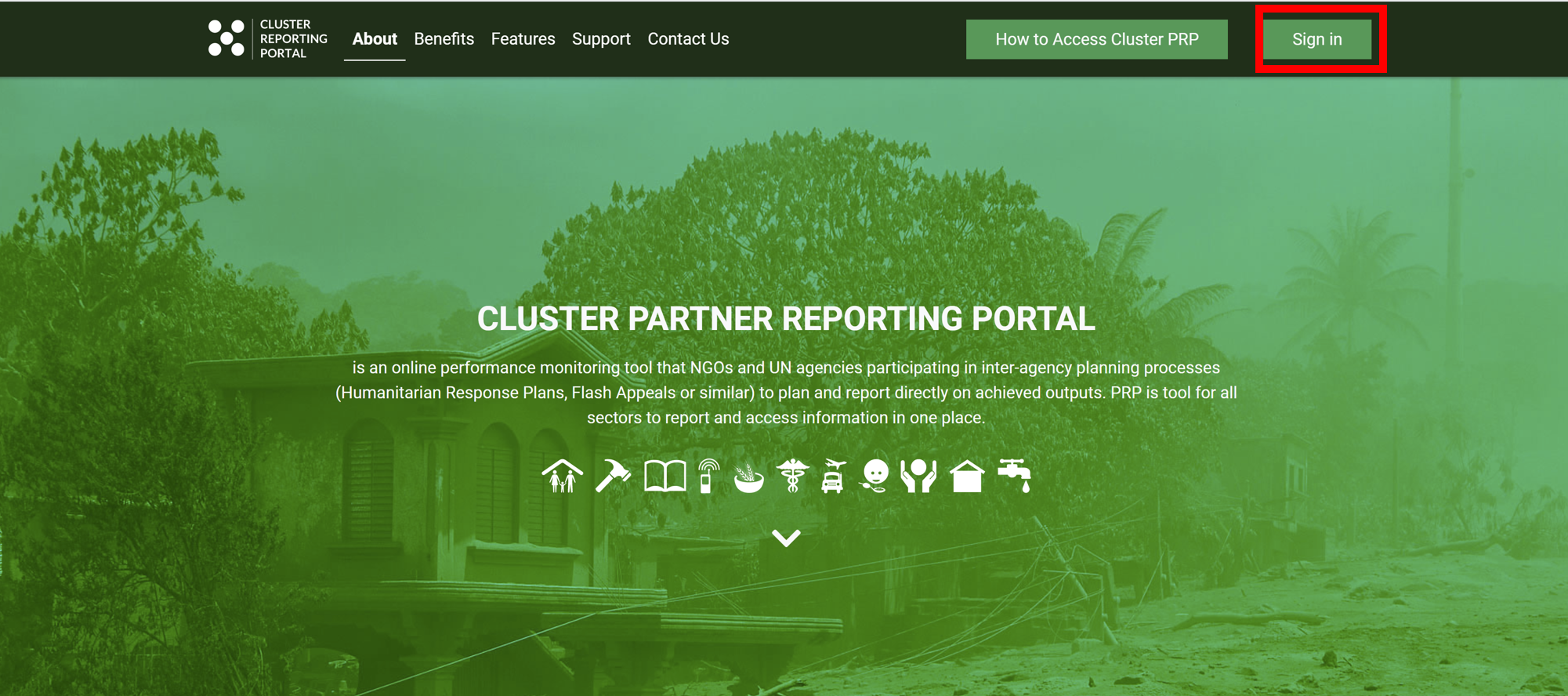
- Go to Partnerreportingportal.org/cluster
- Click on Sign In
- Enter your user credentials and click on Sign in
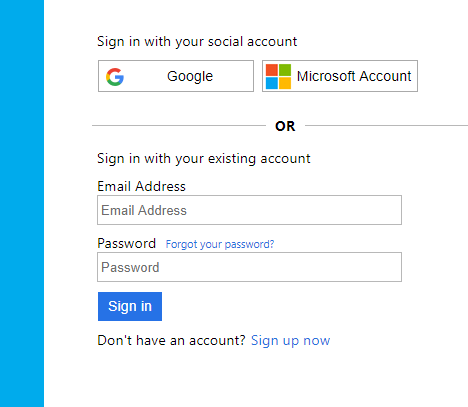
If you do not already have access to Partner Reporting Portal Cluster, you will need to sign up first.
- You need to click on Sign up now.
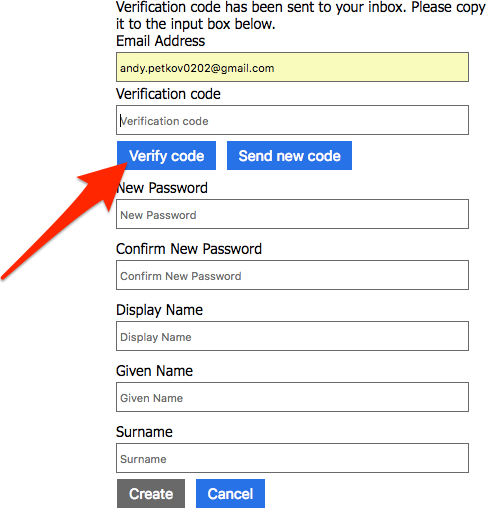
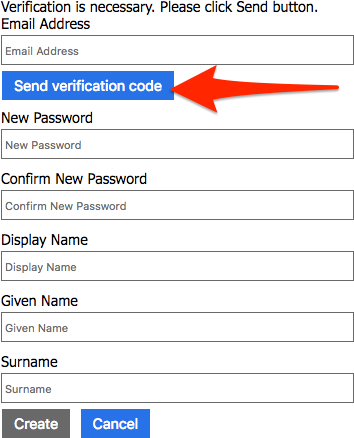
- Enter your email address and click on Send Verification Code
- The verification code will be sent to your email. Once you receive it, enter the code and fill in the remaining fields. Finally click on Create.