ID Management
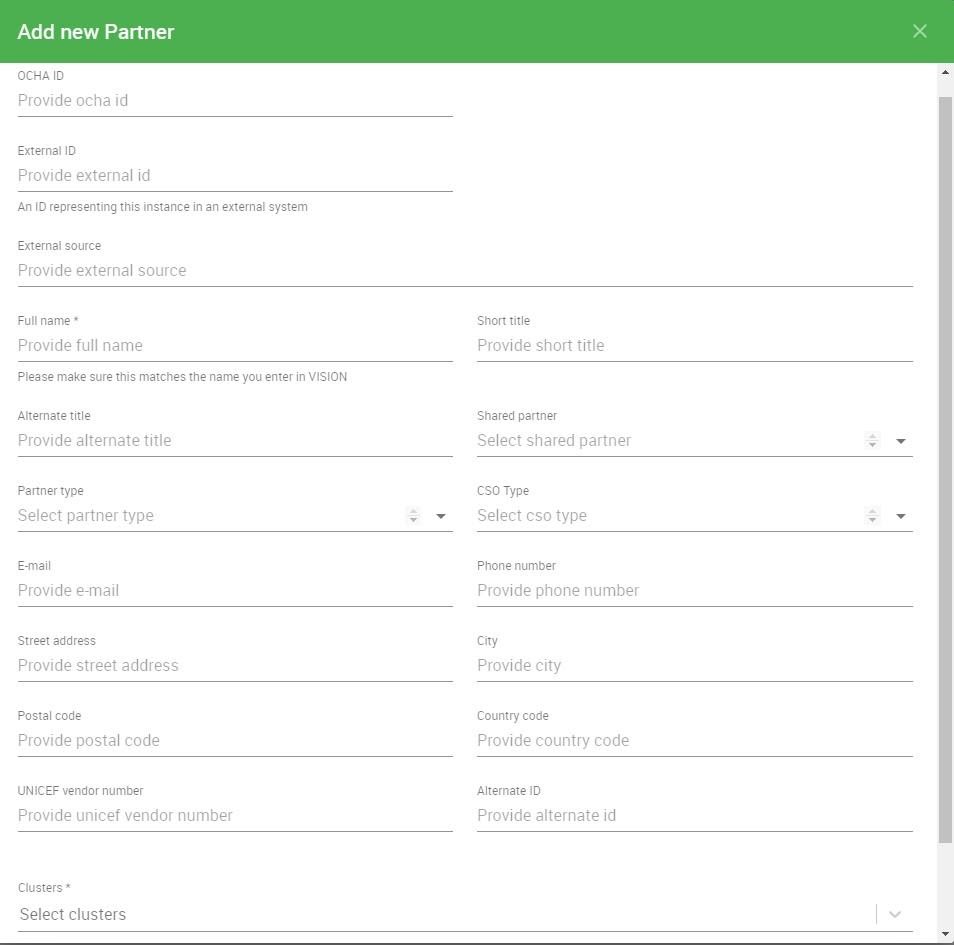
- Add New Partner
- Log into Partner Reporting Portal Cluster
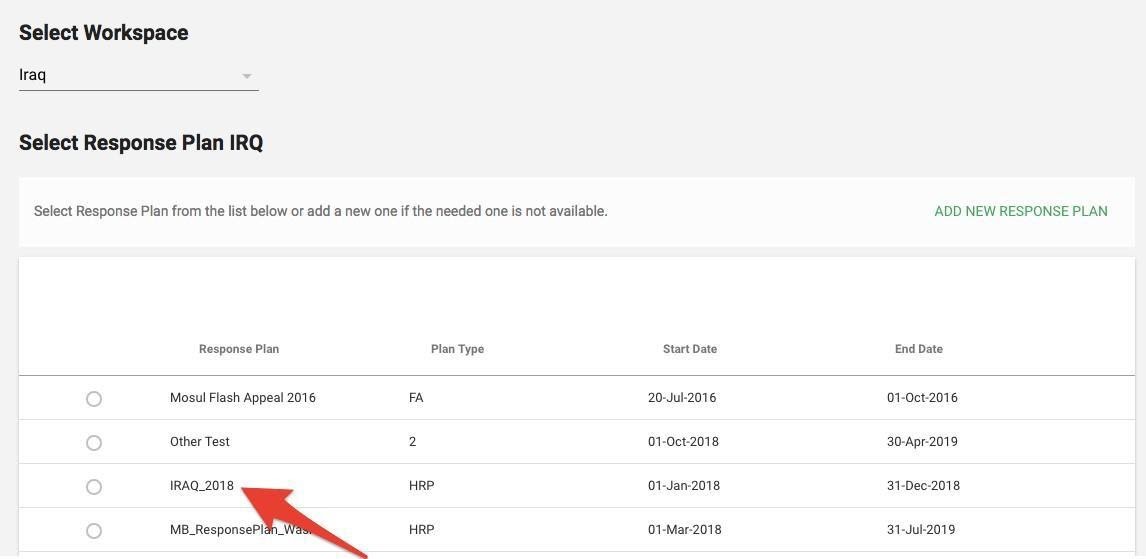
- Select Response Plan from the list and click Confirm
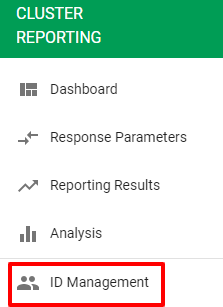
- Go to left navigation bar and select ID Management
- Then click on the Partner tab.
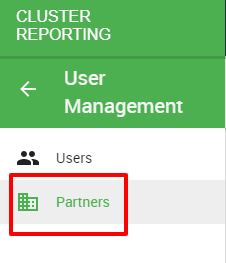
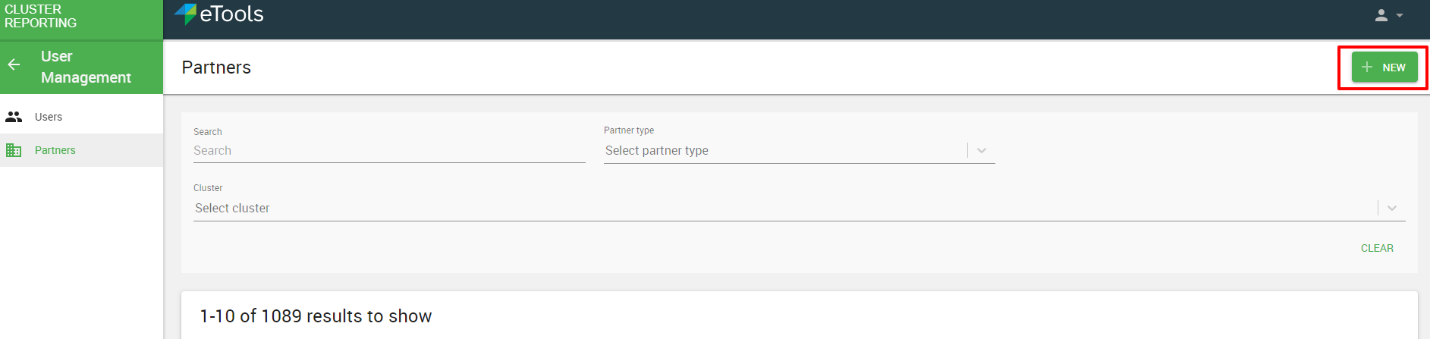
- On the Partners tab, you can see the Partners list and the filter optionality, to add a new Partner, click on NEW.
- Once you click on New, the below Box will Pop Up, and you will fill the below information and click save: