ID Management
- Add New user
- Log into Partner Reporting Portal Cluster
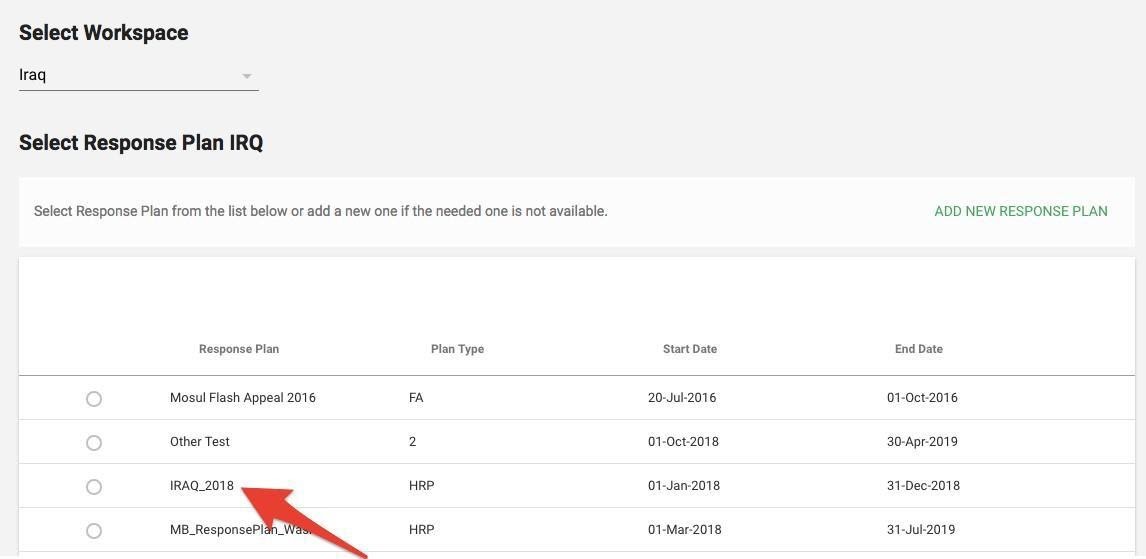
- Select Response Plan from the list and click Confirm
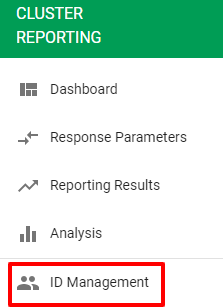
- Go to left navigation bar and select ID Management
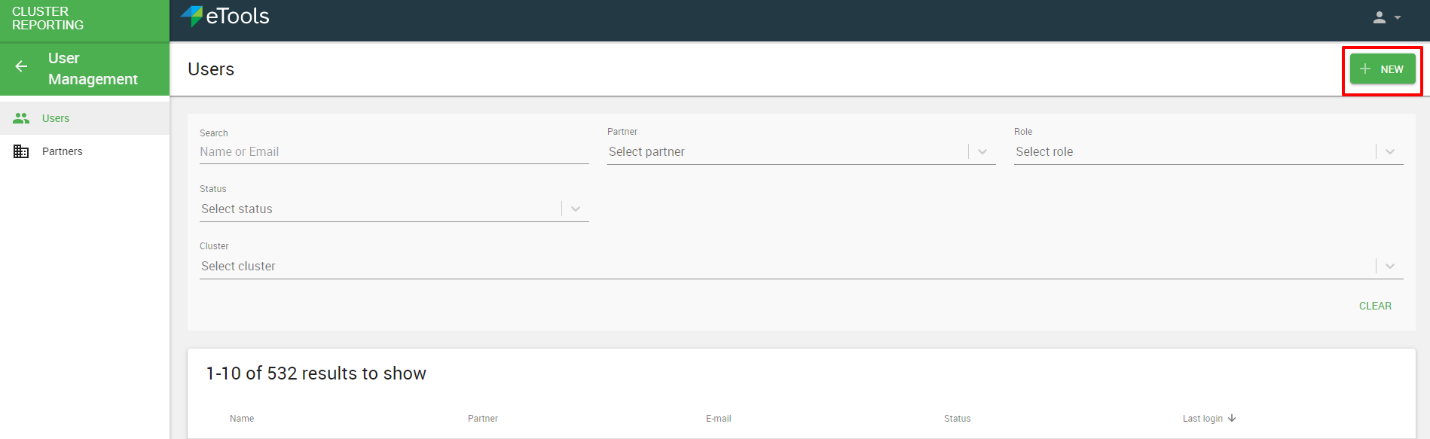
- You will be defaulted to Users Tab, you can see the users list and the filter optionality, to add a new user, click on NEW.
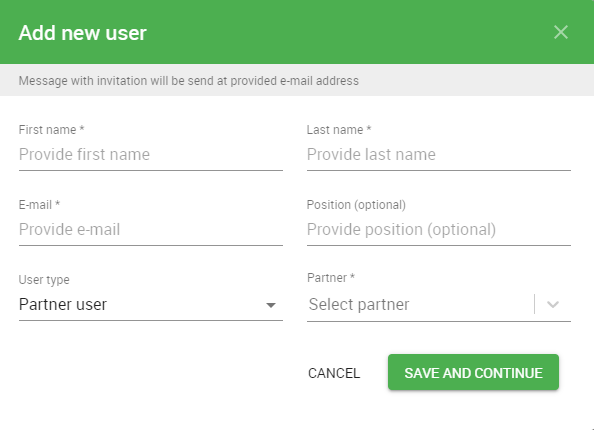
- Once you clicked on New, the below Box will Pop Up, and you have to fill the below information and click save and continue:
- First Name
- Last name
- Position (optional)
- User Type: if you select partner user, then you have to select the Partner as well
- Partner
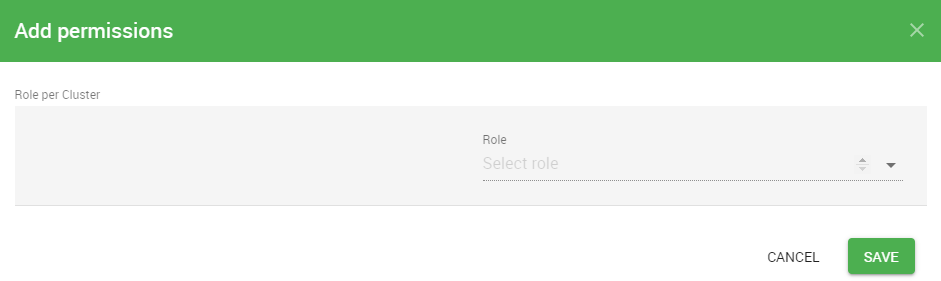
- Once you click on Save and Continue, the Add Permission Box will pop up and you have to select the role for the new user, select the role from the drop-down menu and click Save.