Add Cluster Objective and Cluster Objective Indicator
- Log into Partner Reporting Portal Cluster
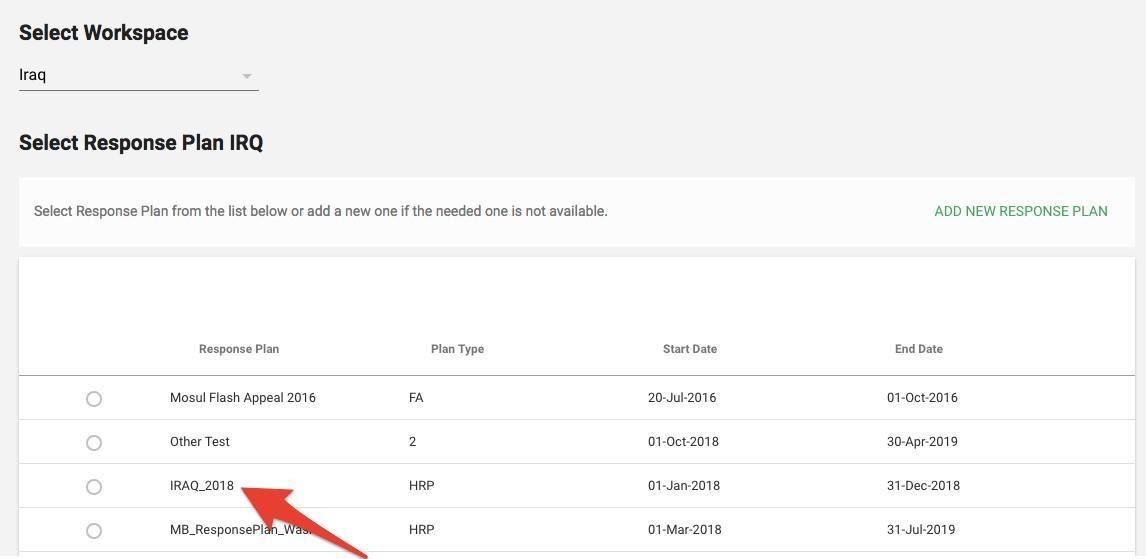
- Select Response Plan from the list and click Confirm
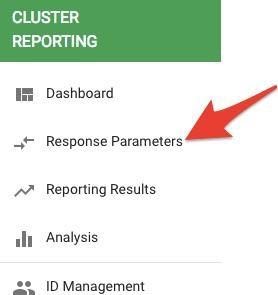
- Go to left navigation bar and select Response Parameters
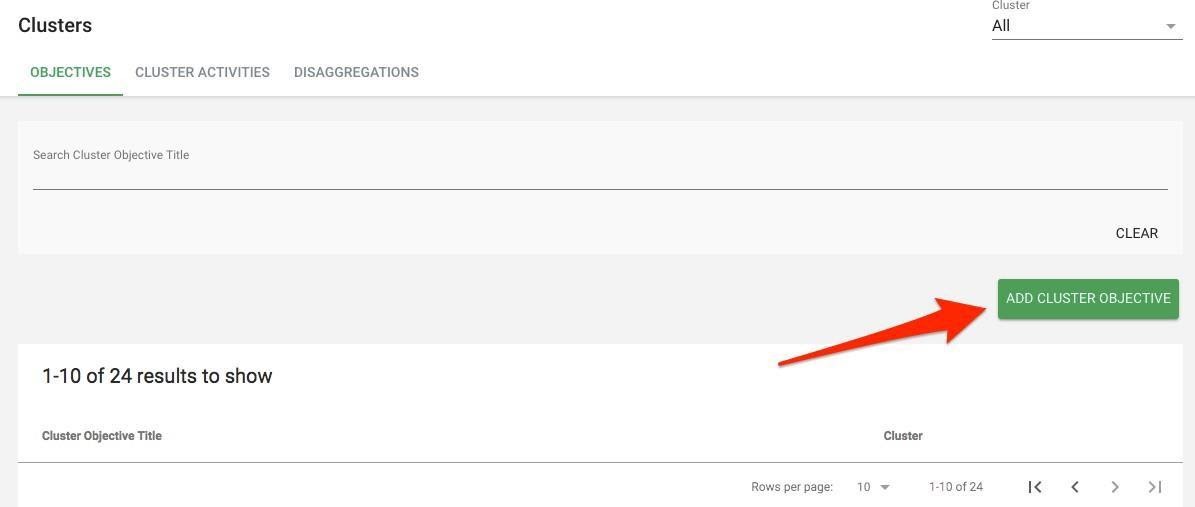
- Your Cluster page will open, and the Objectives tab will be defaulted
- Click on Add Cluster Objective
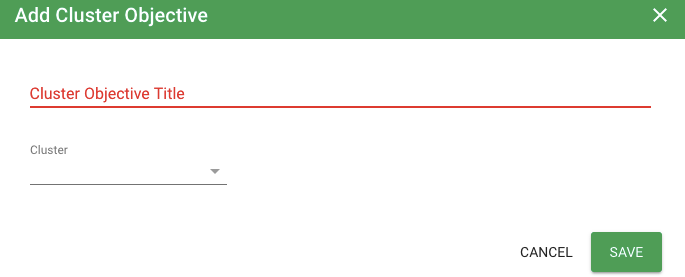
- Add Cluster Objective Title and Select a Cluster for the drop-down list and click on Save
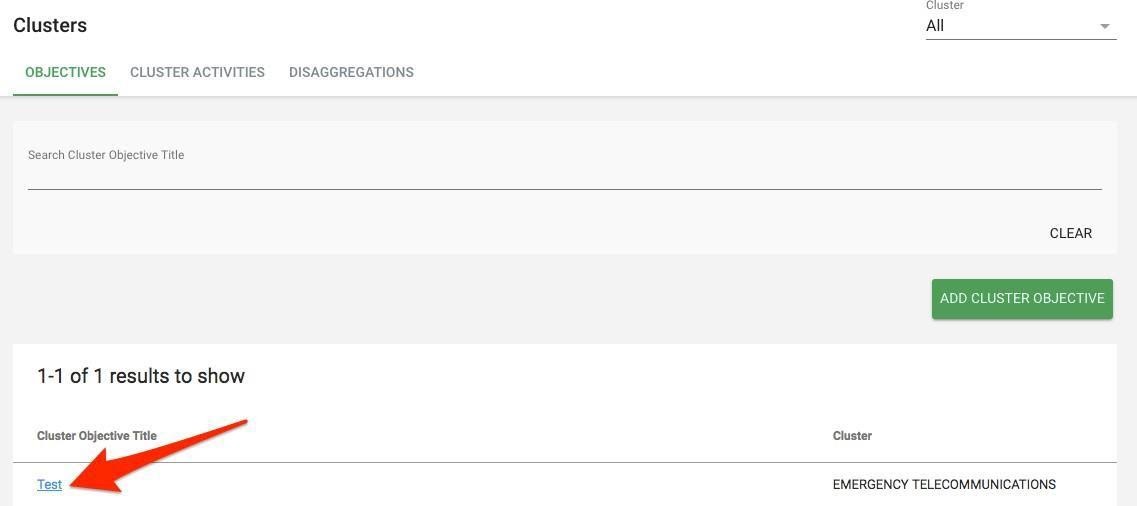
- To add Cluster Objective Indicator. First open Cluster Objective Overview page by clicking on the Cluster Objective Title
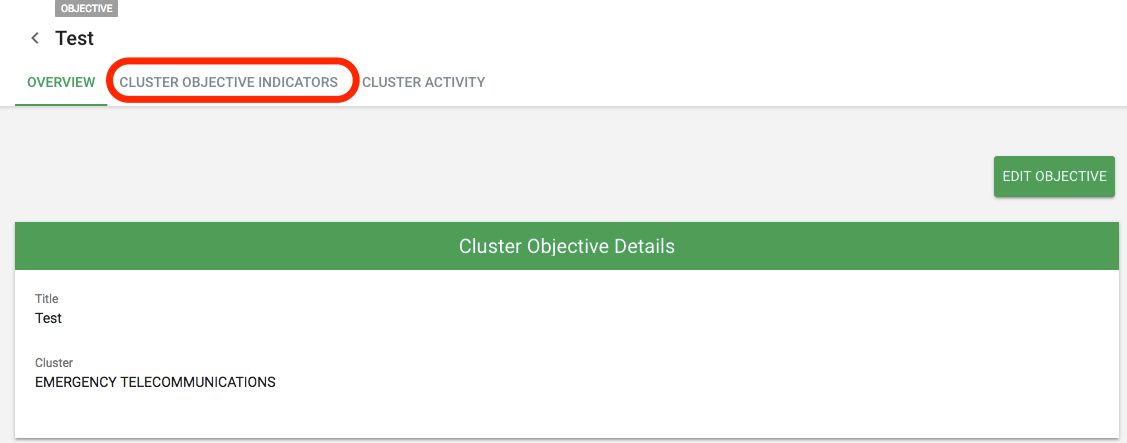
- Click on Cluster Objective Indicators tab
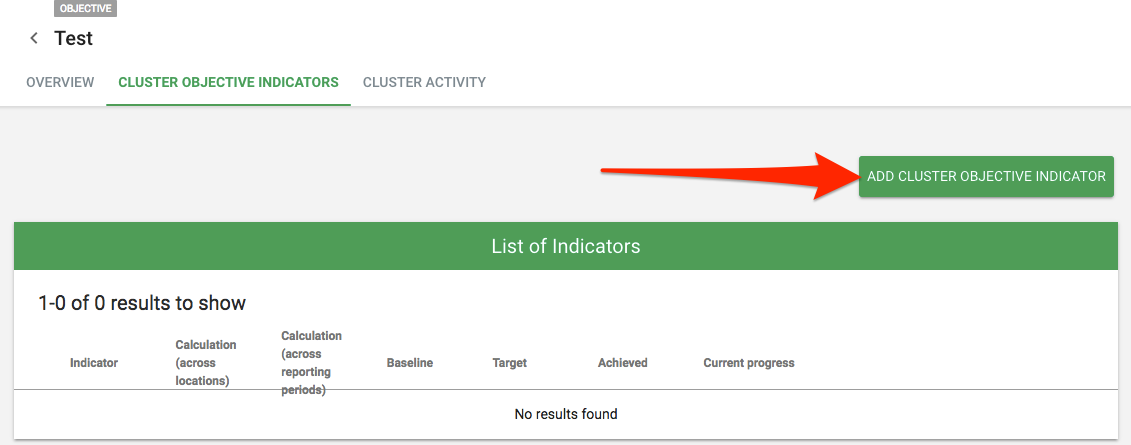
- Click on Add Cluster Objective Indicator button
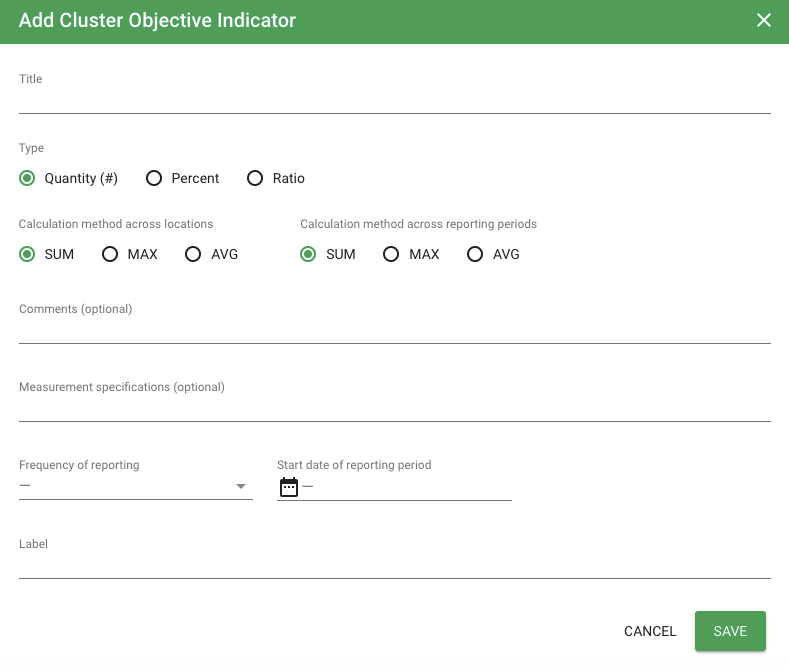
- Add Title, Type, Calculation methods, comments and measurements (optional), frequency of reporting, start date of reporting period and Label (if you selected Quantity as your cluster objective indicator type) or numerator or denominator label (if you selected Percent or Quantity as your cluster objective indicator type). Click Save
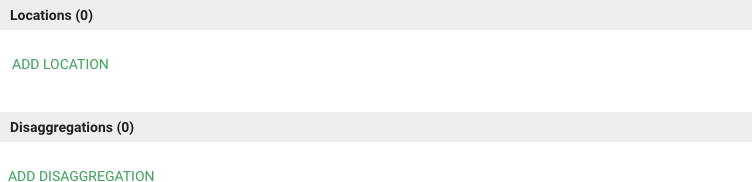
- Scroll down and click on Add Location and Add Disaggregation
- Click on Save