Add Disaggregation
- Log into Partner Reporting Portal Cluster
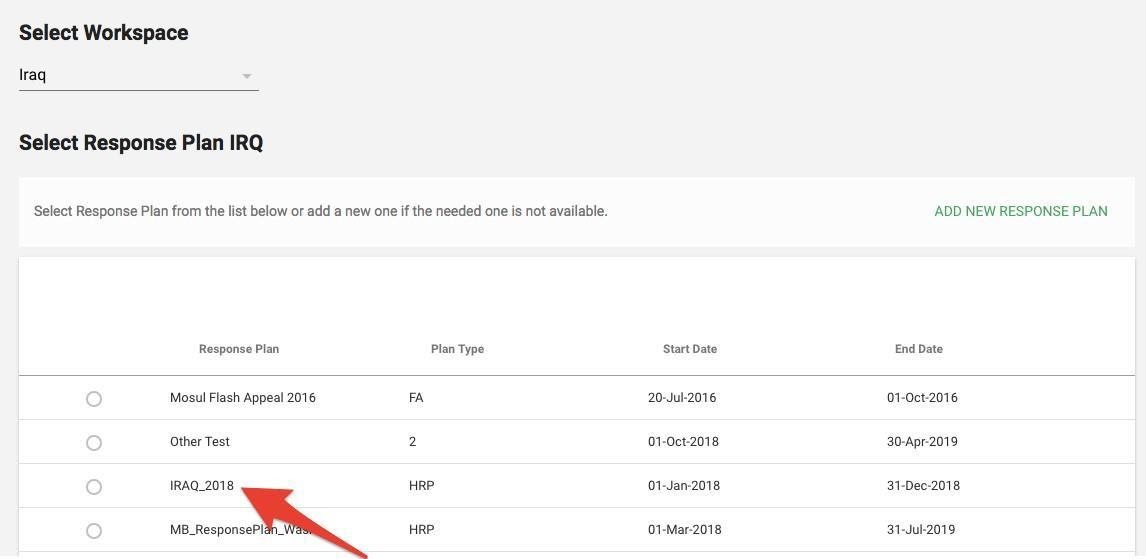
- Select Response Plan from the list and click Confirm
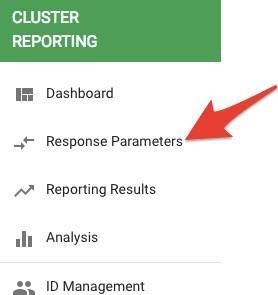
- Go to left navigation bar and select Response Parameters
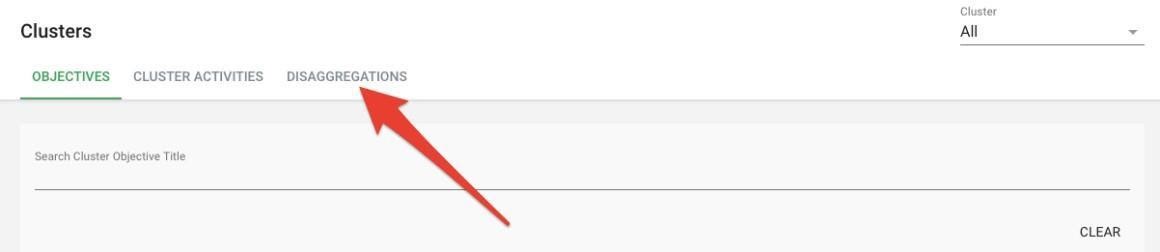
- Once the clusters page opens, click on Disaggregation
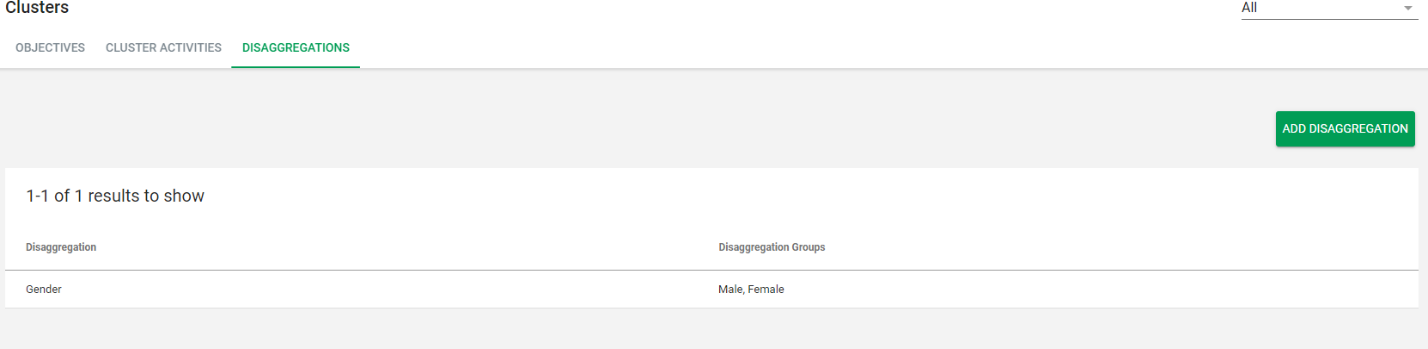
- Click on Add Disaggregation button

- Add disaggregation label and then click on Add button to enter disaggregation group label. Click on Save
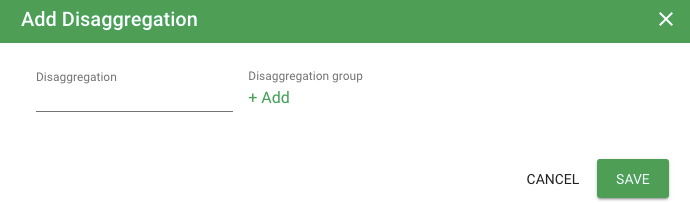
- Added disaggregation and group will be added to the list of disaggregation