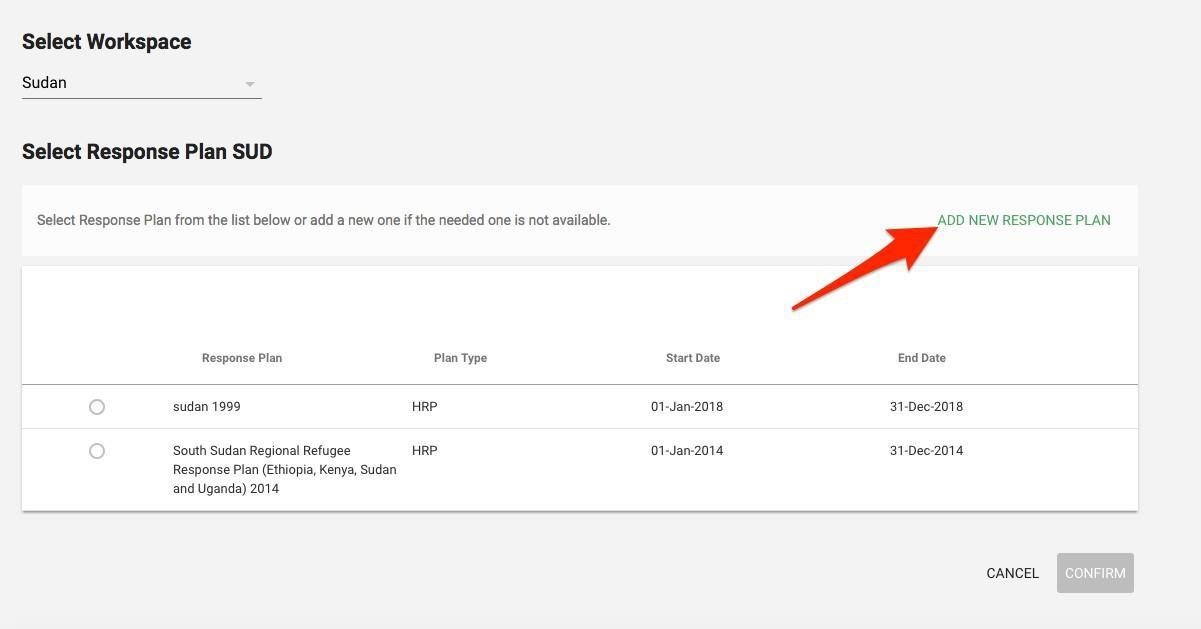
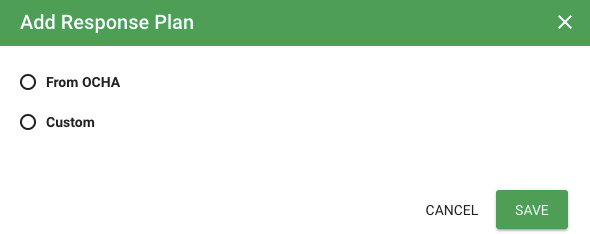
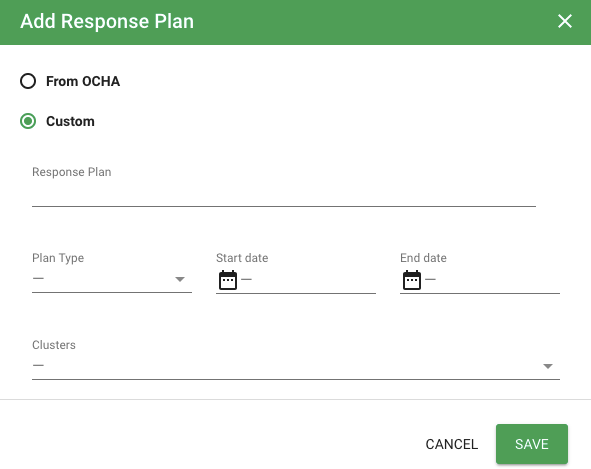
You can either add the Response Plan from OCHA or you can add Custom response plan
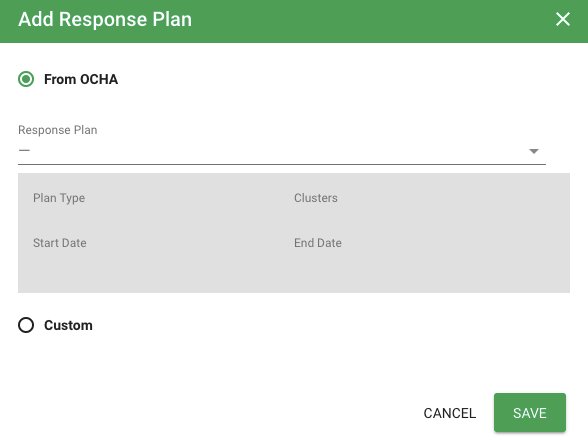
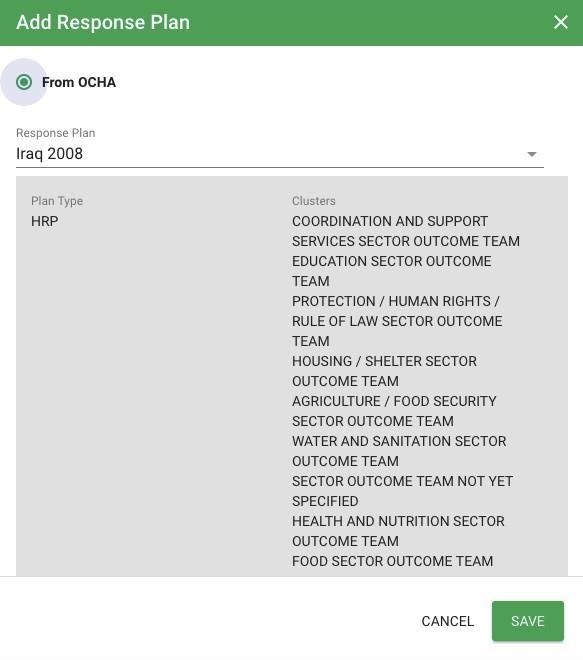
If you select your plan from OCHA, the system will display a list of response plans which are available in OCHA Response Plan Module for that particular workspace. Select your Response Plan from the drop-down list and click on Save
The system will retrieve from OCHA the following information:
Plan type
Clusters associated to that plan type
Start and End Date
If the plan is not available with OCHA, then you need to create Custom response plan. Enter the name of the Response Plan, select Plan Type, add Start and End Date, and select Clusters from the drop-down.
then Click on Save
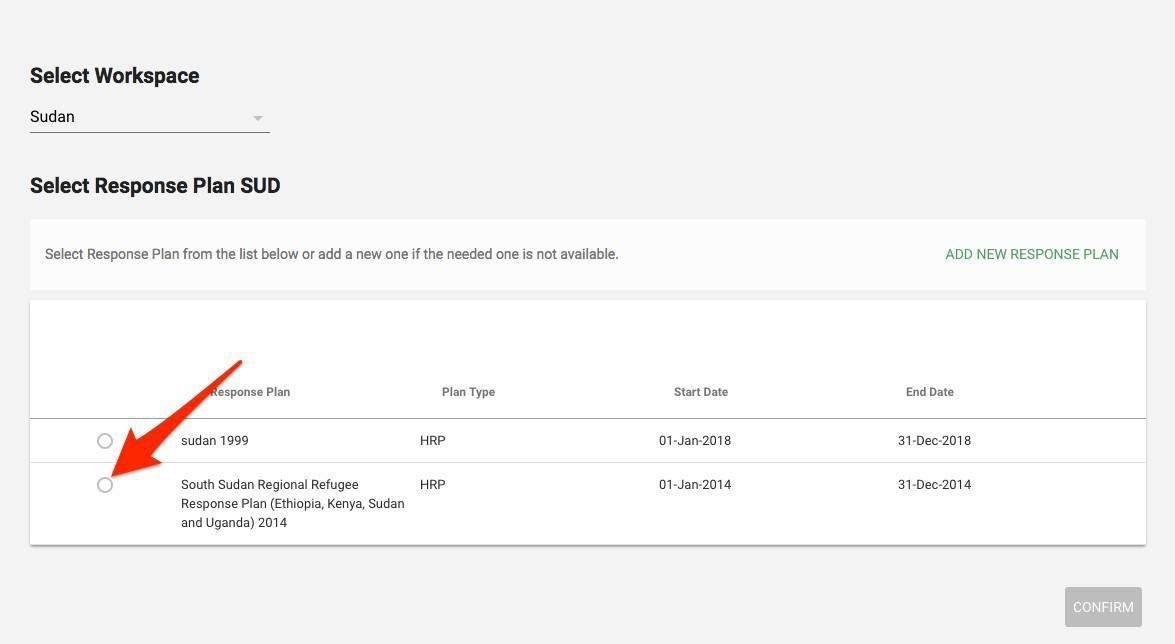
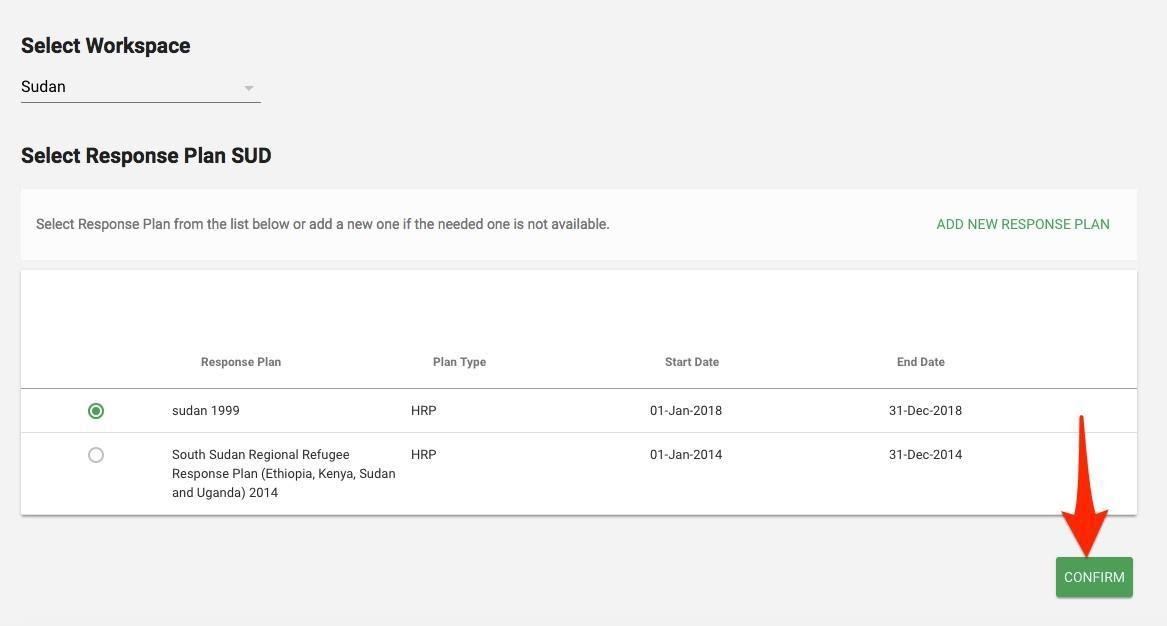
Select Response Plan from List of Plans
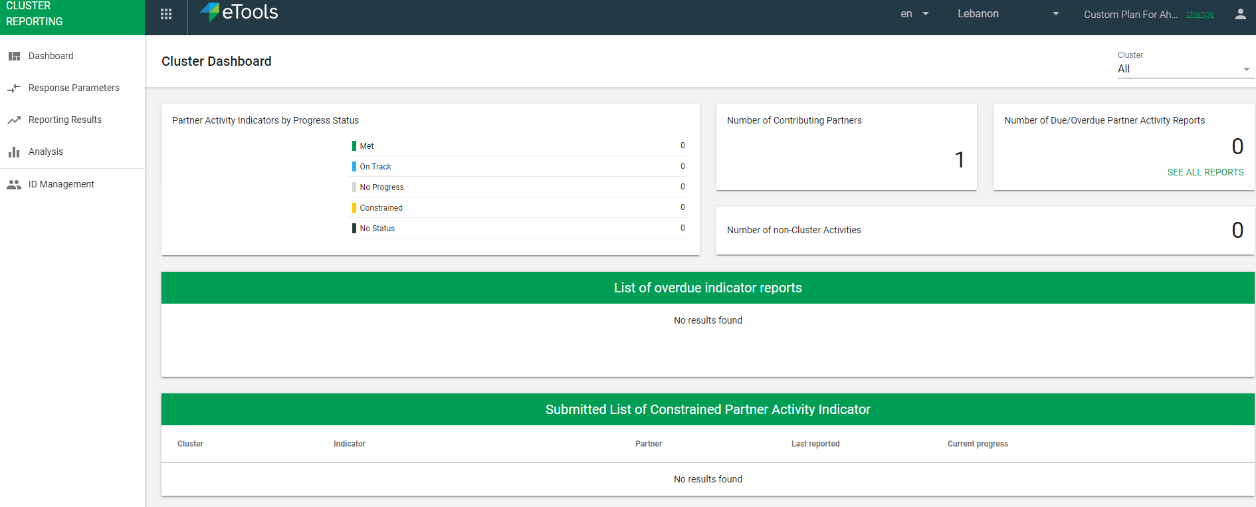
Log into Cluster Partner Reporting Portal
The list of your response plans will open. Select the plan you wish to open